
Copilot in Outlook Can Draft Your Emails. It Can't Standardize Them.
If your team has Copilot in Outlook, or is about to, there's a reasonable question sitting underneath the excitement: does this finally fix how inconsistent our client emails are?
For most client-facing teams, the honest answer is not really. Not because Copilot is weak. Because it's solving a different problem than the one causing the inconsistency in the first place.
What Copilot in Outlook is actually built to do
Copilot in Outlook is a drafting and summarizing assistant. It can help a rep write a reply faster, tighten up a paragraph, summarize a long thread, or suggest phrasing for a message they're already halfway through. That's genuinely useful. Typing speed and blank-page friction are real problems, and Copilot addresses them well.
What Copilot is not built to do is guarantee that every rep sends the same structure for the same type of email. It doesn't know that a client onboarding email is supposed to include a specific attachment, cc the account manager, and use an approved subject line format. It generates text based on the prompt and context in front of it, which means two reps asking Copilot for "help writing a follow-up" can get two different emails, with two different levels of completeness.
Where the gap shows up: the email assembly problem
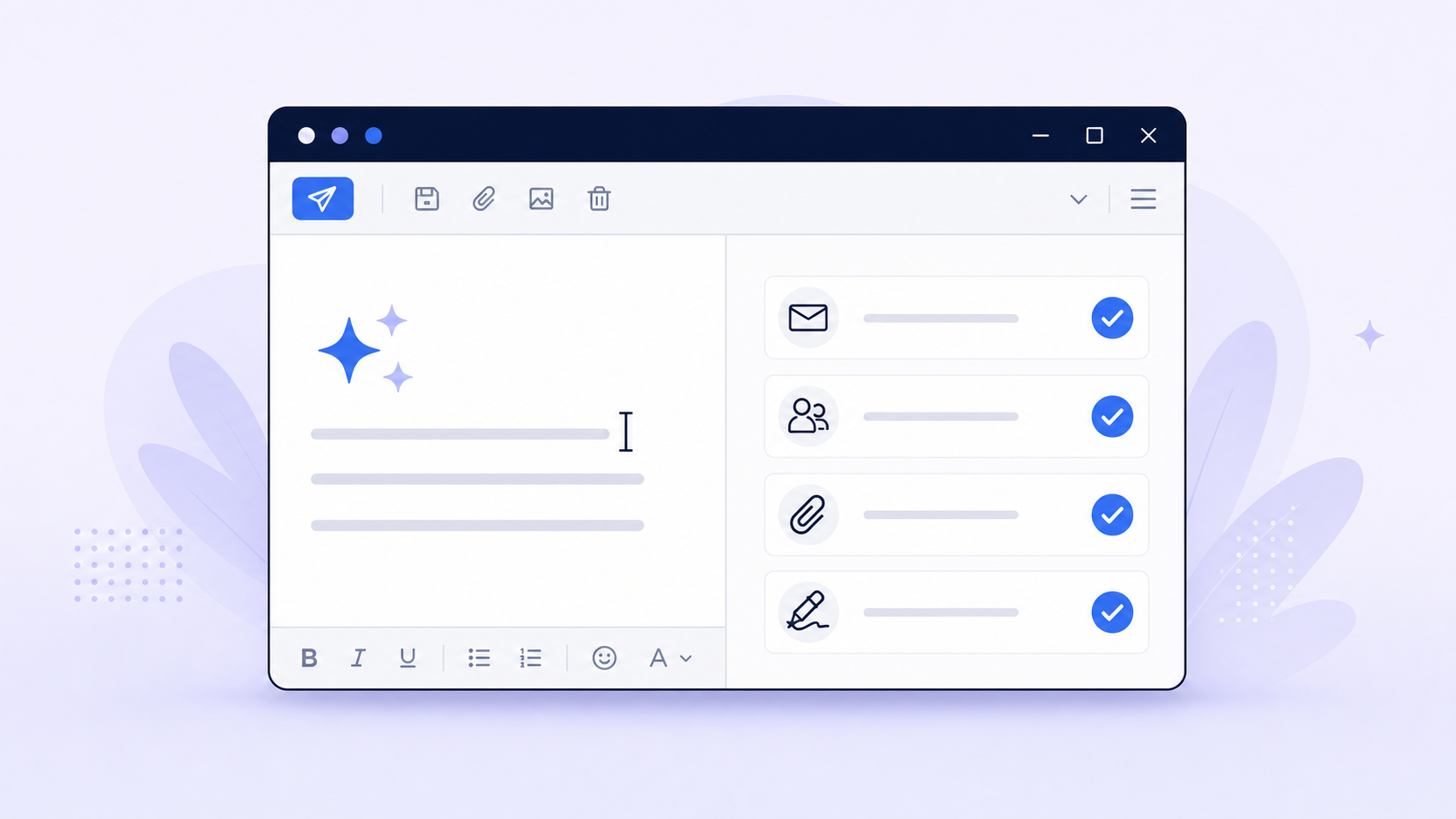
Most client-facing teams don't actually have a writing problem. They have an assembly problem. A typical client email isn't just body copy. It's a subject line, the right recipients, the right attachment, any required variables (dates, amounts, names), a signature block, and a final review before it goes out.
Copilot can help with one piece of that: the words. It doesn't touch the rest. So a team can adopt Copilot company-wide and still end up with the same underlying issue: one rep forgets the attachment, another uses an outdated subject line format, a third leaves off a required cc. The email reads well. It's just incomplete or inconsistent in ways that matter to the client relationship.
Two reps. One process. Two different outcomes.
Two account managers on the same team both need to send a client onboarding kickoff email. One drafts it with Copilot from scratch, remembers to attach the welcome packet, and cc's the implementation lead. The other also uses Copilot, writes a perfectly good email, and forgets both. Both emails look professional. Only one of them matches what the team actually agreed onboarding should look like.
That's not a writing failure. It's a structure failure, and no amount of better drafting fixes it, because the drafting tool was never responsible for structure to begin with.
What "standardized" actually requires
When leaders say they want standardized client communication, they usually mean something more specific than "on-brand tone." They mean:
- The same subject line pattern for the same type of email
- The right recipients pre-filled or confirmed, every time
- Required attachments included, not remembered from memory
- Any variable fields (names, dates, amounts) filled in and correct
- A consistent, approved signature block
- The final email still reviewed and sent by a person
That last point matters. None of this is about removing the human from the send button. It's about making sure the parts of the email that shouldn't vary, don't, while the rep still reviews and personalizes before sending.
Copilot and structured workflows aren't competing for the same job
This isn't a case for picking one over the other. Copilot is good at what it does: helping someone write or rewrite text in the moment. Structured workflows are good at a different job: making sure the full email, not just the wording, comes out the same way every time a specific type of message goes out. Teams that use both usually get more value than teams that expect one tool to do both jobs.
See how Toggles compares to other toolsA quick framework
When wording is the hard part
Use Copilot (or any AI writing assistant) when the email is one-off, the wording is the hard part, and structure doesn't matter much.
When consistency is the hard part
Reach for a structured workflow when the email type repeats often, when attachments or recipients are easy to forget, when new hires need an approved starting point, or when a leader needs confidence that the team is sending the same thing the same way.
Where Toggles fits
Toggles for Outlook is built for the second half of that framework. It's an Outlook add-in that lets a rep apply a complete workflow, template body copy, subject line, recipients, attachments, and signature, in one user-initiated action inside the compose window. It doesn't auto-send anything, and it doesn't work in the background. The rep still reviews the email before it goes out. What it removes is the part where structure depends on memory.
Copilot can still help write the parts that need fresh wording. Toggles makes sure the rest of the email, the parts that shouldn't change message to message, actually don't.
If you're trying to figure out where your team's email process breaks down, whether it's wording, structure, or both, the Email Workflow Audit is a fast way to see it.
Choose the right tool for each half of the job.
Compare Copilot's drafting strengths with Toggles' structured Outlook workflows, or diagnose where your own email process breaks down first.
Compare Toggles and Copilot
See a side-by-side comparison of drafting assistance and complete email workflows.
Compare Toggles and CopilotRun the Email Workflow Audit
Find out whether wording, structure, or both are slowing your team down.
Run the Email Workflow Audit