ROI calculator

Calculate the ROI of standardizing repeatable Outlook emails

Estimate how much time and labor cost your team can recover by turning repeatable emails into shared Outlook workflows.

Team-based estimateBased on repeatable email volumeBuilt for Outlook workflows

Measure the impact of a more reliable email process

Toggles helps teams standardize repeatable Outlook emails so shared workflows prepare the right wording, variables, subject lines, recipients, attachments, and signatures with less manual rebuilding.
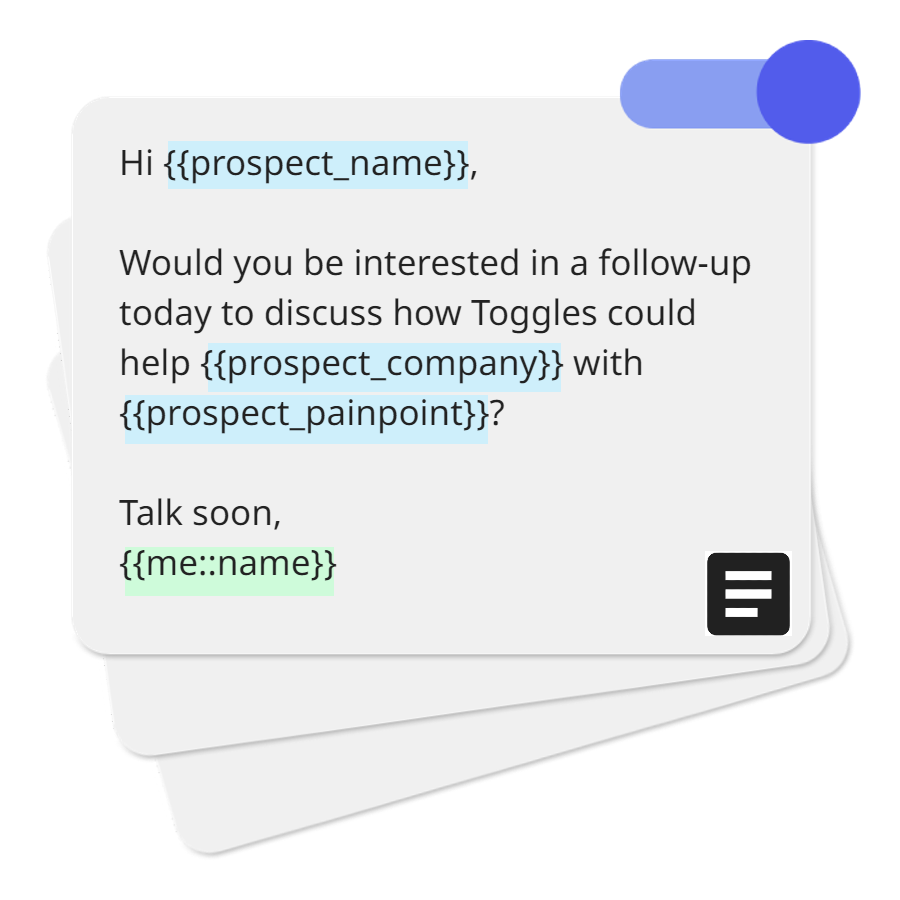
Toggles benefits graphic - template toggle

Recover team capacity

Quantify the hours your team can get back when high-volume Outlook emails start from shared workflows instead of blank drafts and copied snippets.

Reduce costly variation

Estimate the operational value of using approved structure for repeatable emails that often involve required details, attachments, recipients, or signatures.

Build a stronger business case

Translate repeatable email volume into annual value, Toggles cost, net value, and ROI for a clearer rollout conversation.

Estimate the annual value of your repeatable email workflows

Adjust team size, repeatable email volume, preparation time, time reduction, and loaded hourly cost to model the value of standardizing Outlook workflows.
Adjust your assumptions
10

Regular senders of structured Outlook emails.

25

Messages with repeated wording or structure.

6 min

Prep time before Toggles workflows.

min

66%

For structured emails with repeated details.

$40/hr

Salary, benefits, and overhead if known.

Pricing assumptionBusiness Pro uses 10 billable seats at $180/year, including the 5-seat minimum.

Toggles workflows are user-initiated inside Outlook. They help prepare repeatable emails with approved details, but they never auto-send messages.

Based on your inputs
Estimated annual value recovered
$34,320
Net annual value
$32,520
Projected hours recovered per year
858
Manual repeat-email cost per year
$52,000
Toggles annual cost
$1,800
ROI
1,807%

How this estimate is calculated

  1. Repeatable email volume x preparation time = manual email time.
  2. Manual email time x estimated reduction = hours recovered.
  3. Hours recovered x loaded hourly cost, minus Toggles cost = net value.
Start your first workflowBook a quick walkthrough

Not sure which emails to standardize first?

Run the Email Workflow Audit to identify the repeatable Outlook emails your team should turn into workflows first.

Take the Email Workflow Audit

How does the ROI Calculator work?

The calculator estimates annual manual repeat-email time, applies your selected time reduction, multiplies the recovered hours by loaded hourly cost, then subtracts Toggles annual cost to show net annual value and ROI.

A repeatable Outlook email is a message your team sends often with similar wording, structure, subject lines, recipients, attachments, variables, or signatures. Examples include follow-ups, confirmations, document requests, renewal notices, onboarding emails, and client updates.

Volume is the clearest way to estimate value. A team sending a few repeatable emails per week will recover less time than a team preparing structured Outlook messages every day.

Use a lower percentage for short messages with only minor repeated wording. Use a higher percentage for longer, structured emails where Toggles can prepare the body, variables, subject line, recipients, attachments, and signature.

Use the loaded hourly cost of the people preparing these emails, including salary, benefits, and overhead if you know it. The default $40/hour is a conservative starting point for many business teams.

No. Toggles workflows are user-initiated inside Outlook and never auto-send. They help prepare repeatable emails so the sender can review, adjust, and send when ready.

The calculator uses Business Pro pricing at $180 per user per year and applies the 5-user minimum. If your team has custom pricing, use the calculator as a directional estimate and compare against your actual subscription cost.

It is a planning estimate, not a guarantee. Accuracy improves when you use real repeatable email volume, actual prep time, and a loaded hourly cost that reflects your team.

Start with emails that are frequent, structured, high-risk, or annoying to rebuild manually. The Email Workflow Audit helps identify which repeatable Outlook emails your team should turn into workflows first.

Not sure how Toggles compares to template tools? Compare Outlook email workflow tools.

Turn the estimate into a workflow rollout plan

Start with one repeatable email, measure the time saved, and expand the standard across your team.