
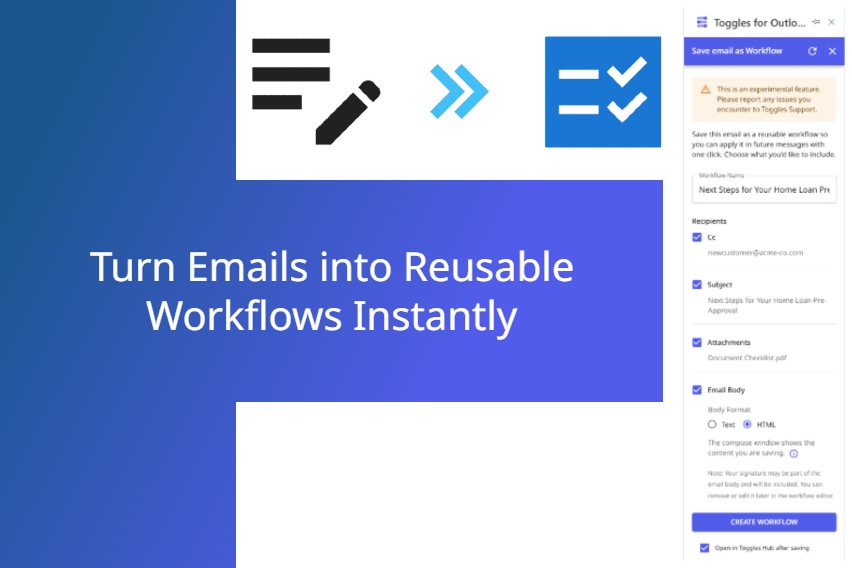
The Challenge: Workflow Creation Takes Too Long
Creating email workflows traditionally involves multiple steps, such as copying information, manually setting up templates, and repeating similar actions repeatedly. Users have been searching for a simpler, faster way to automate their frequently sent messages and repetitive email tasks.
Our Solution: Instant Workflow Creation from Emails
Toggles for Outlook now provides the capability to instantly convert your current email draft into a reusable workflow template. With just one click, capture the recipients, subject line, email body, and attachments, allowing you to reuse these workflows effortlessly whenever needed.
Effortlessly Create Workflows
Select the specific email components (recipients, body, attachments, or subject line) you want to include and click "Create." Your workflow is immediately ready for future use, significantly reducing setup time.
Save Time on Every Email
Eliminate repetitive manual tasks by turning common emails into ready-to-use workflow templates. Boost your productivity by automating routine communications, freeing up valuable time for more critical business activities.
Increase Consistency and Accuracy
Standardize your communications with pre-built workflow templates, ensuring uniformity across your emails and minimizing the risk of errors. This boosts professionalism and consistency across your organization.
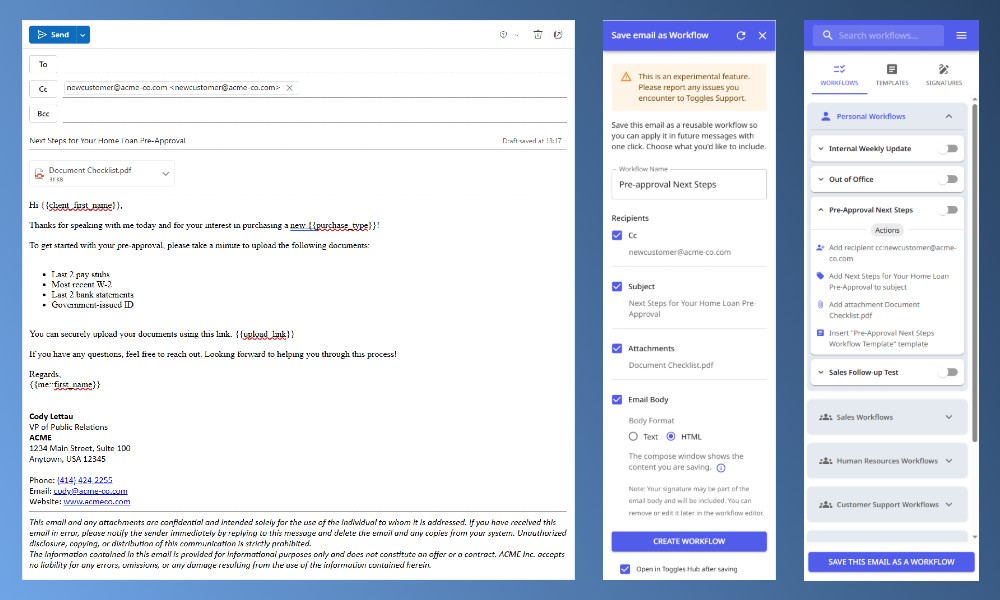
Streamline Your Email Automation with Toggles
Quick Workflow Creation is designed to elevate your email management efficiency and productivity. Start automating your routine tasks now and discover the difference it makes in your daily workflow.
Whether you are handling onboarding emails, client communications, or internal team updates, Toggles for Outlook ensures your repetitive email tasks are handled swiftly and accurately every time.
Get Started Now!
Experience the ease of Quick Workflow Creation today. Unlock immediate improvements in productivity, consistency, and accuracy by automating your emails effortlessly with Toggles for Outlook.